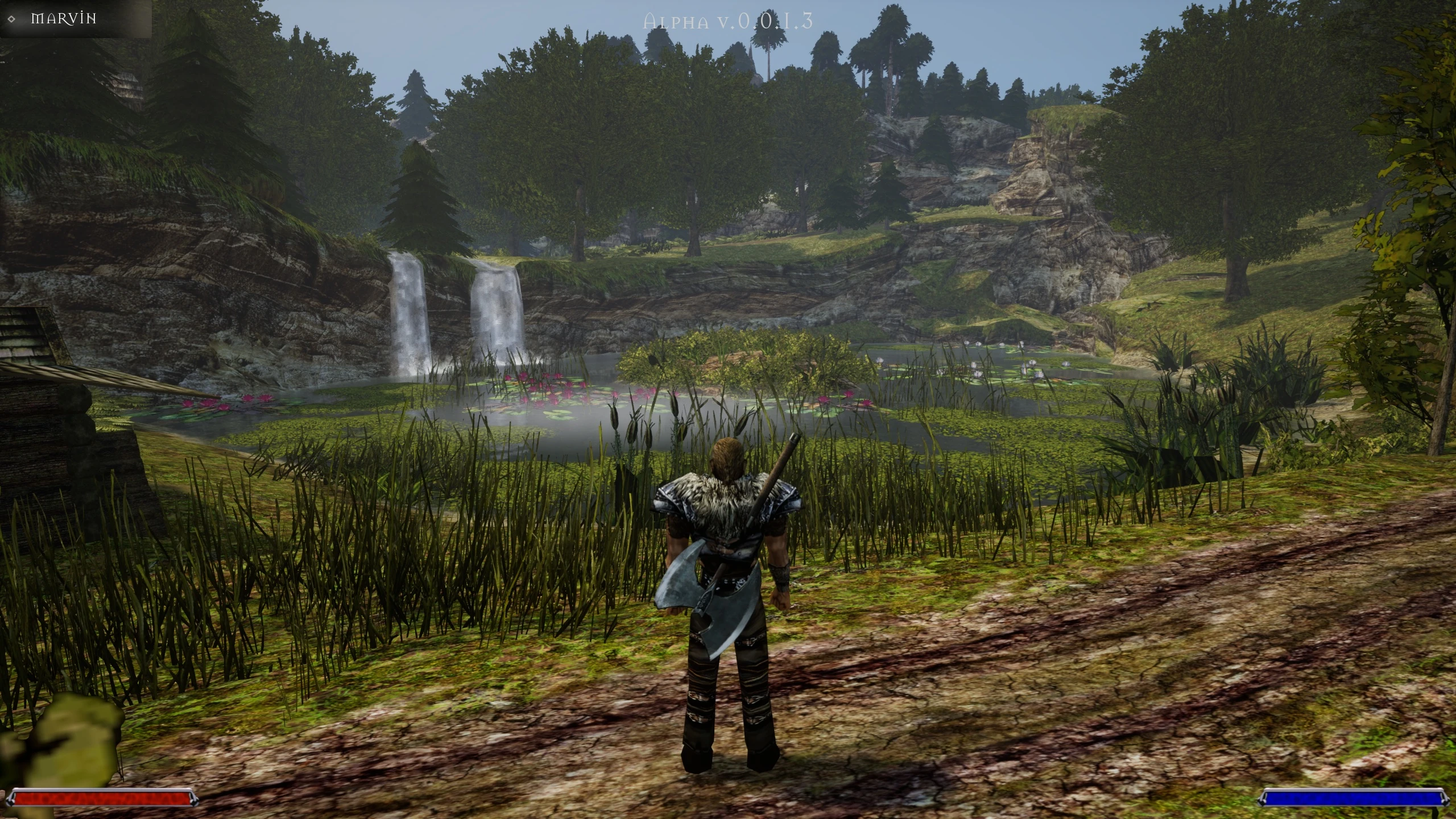

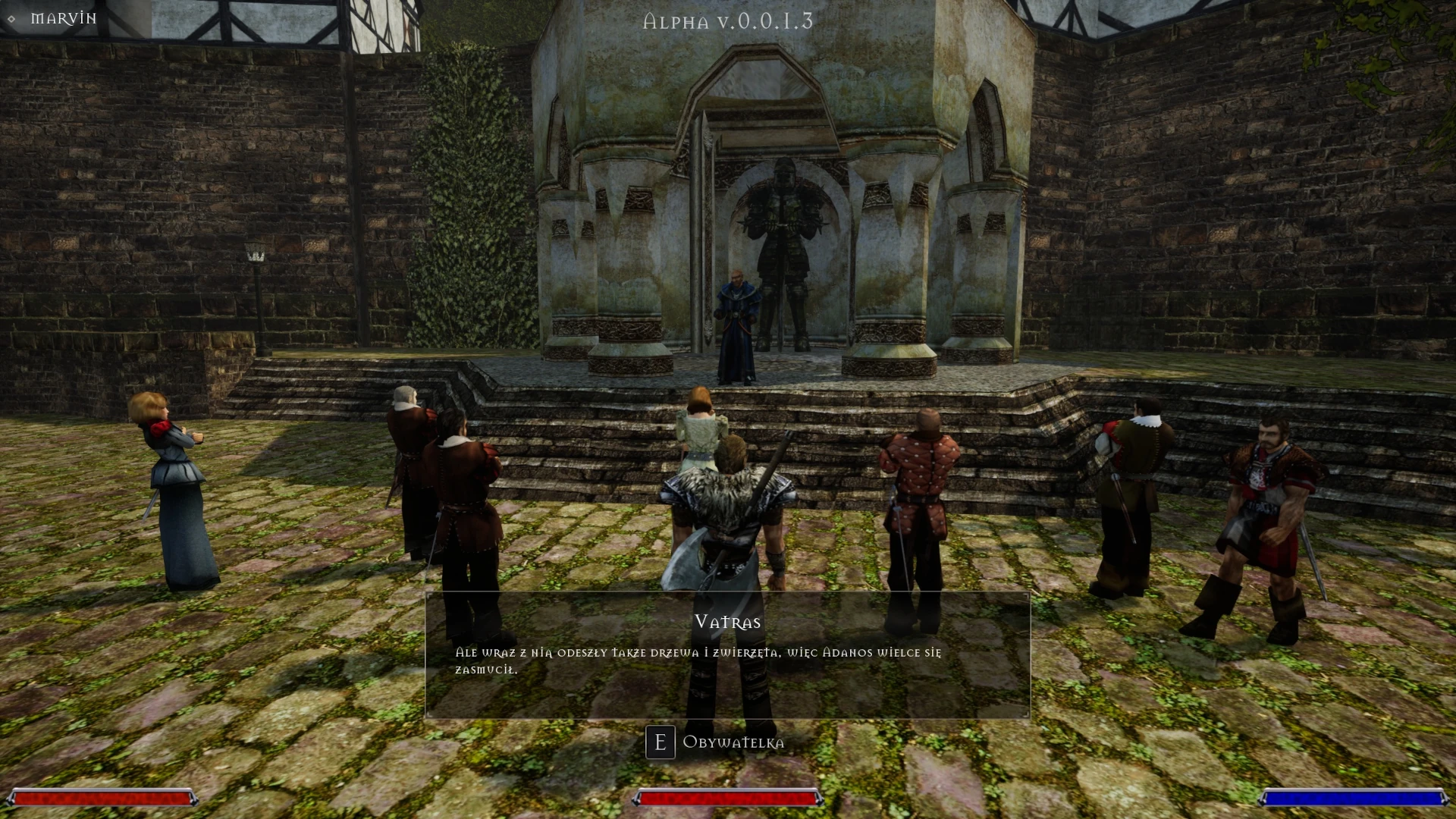
Gothic 2 Remaster on Unreal Engine 5 is a project which moves the Gothic 2: Night of the Raven video game to the newest version of Unreal Engine. It is the same engine that Alkimia Interactive uses to create the upcoming Gothic 1 Remake. The main author of the project is Dmitri Kaluznyj, who in 2024 released a remaster of the first part of the series, as we wrote two years ago.
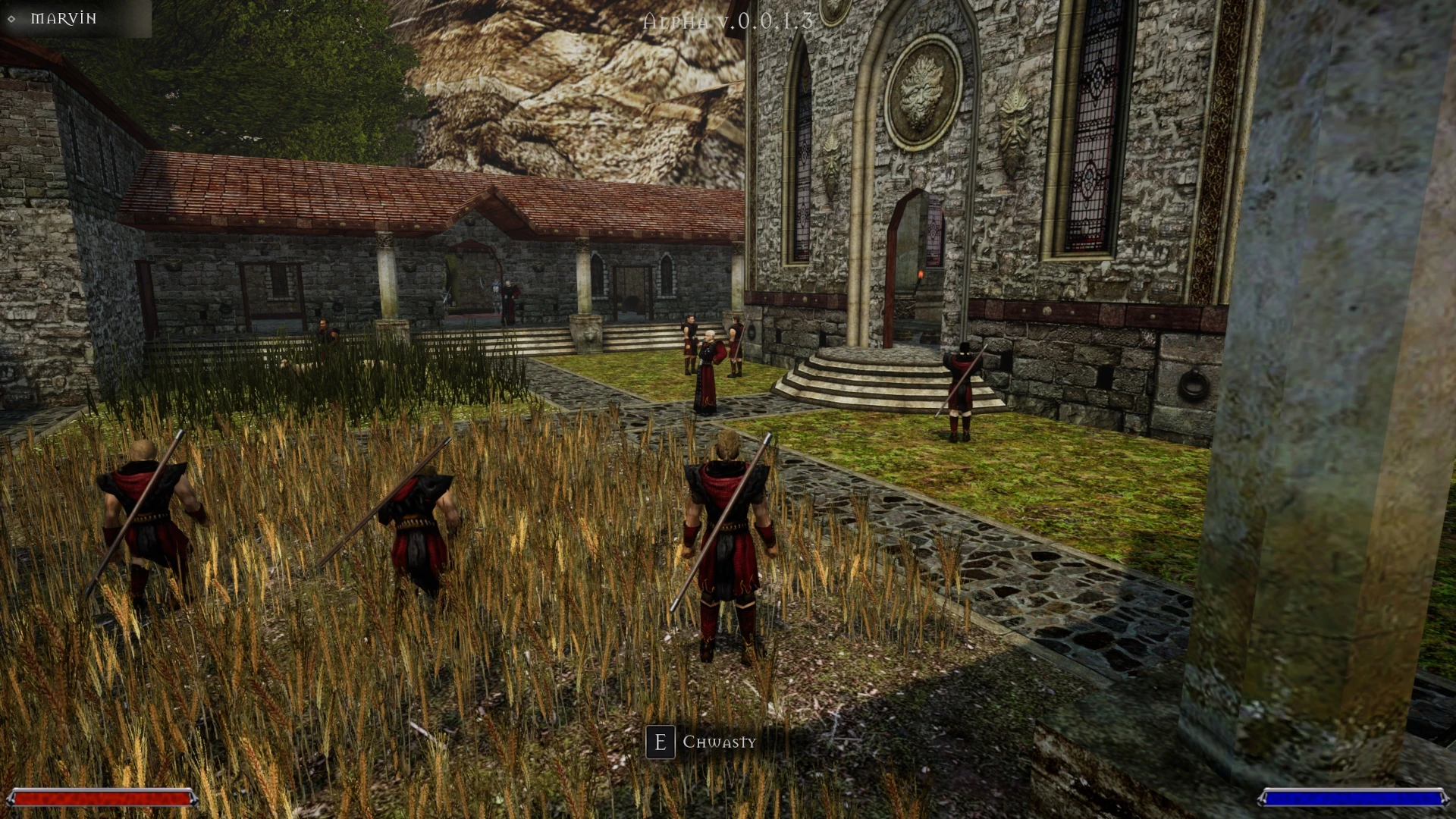
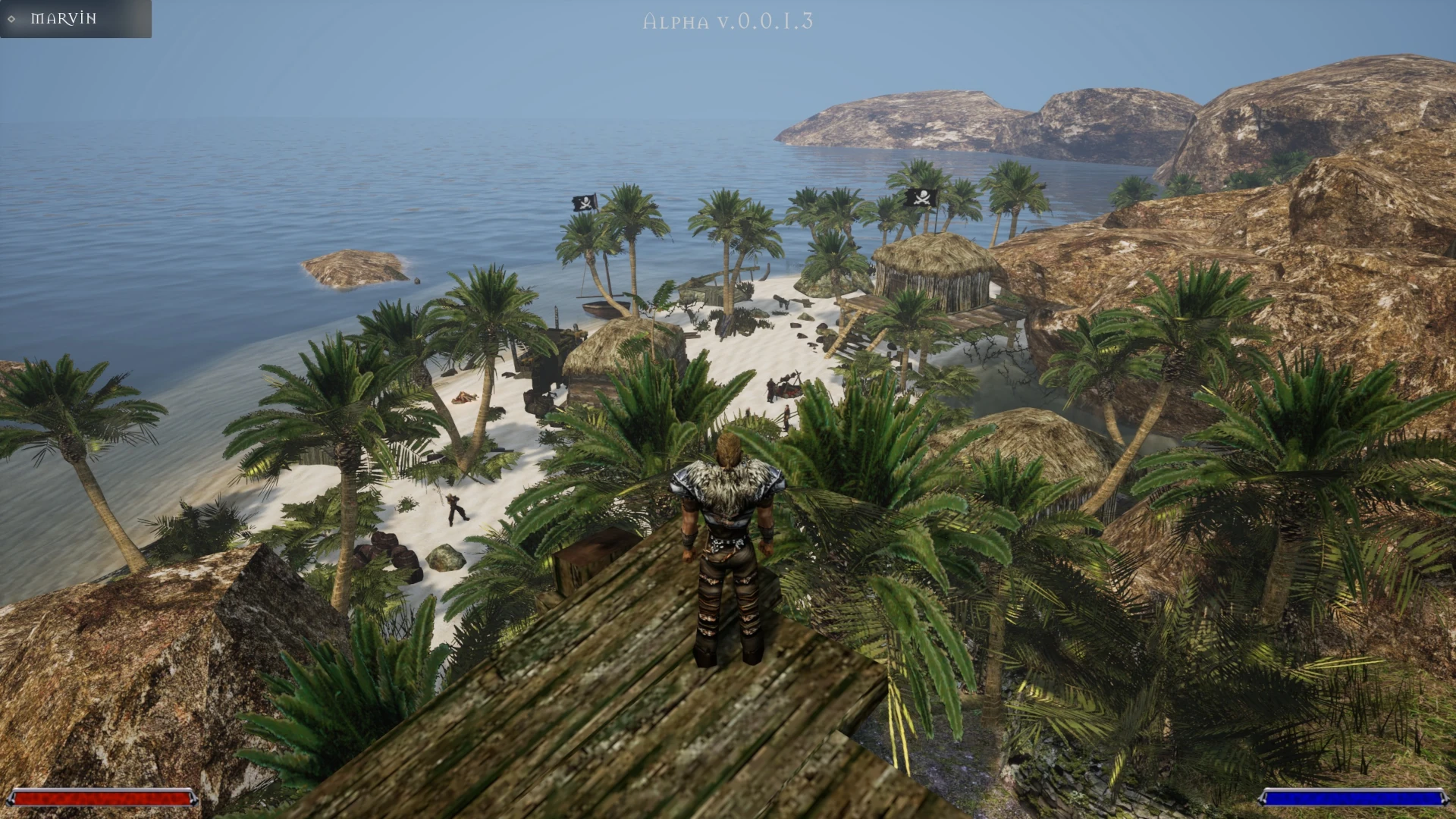
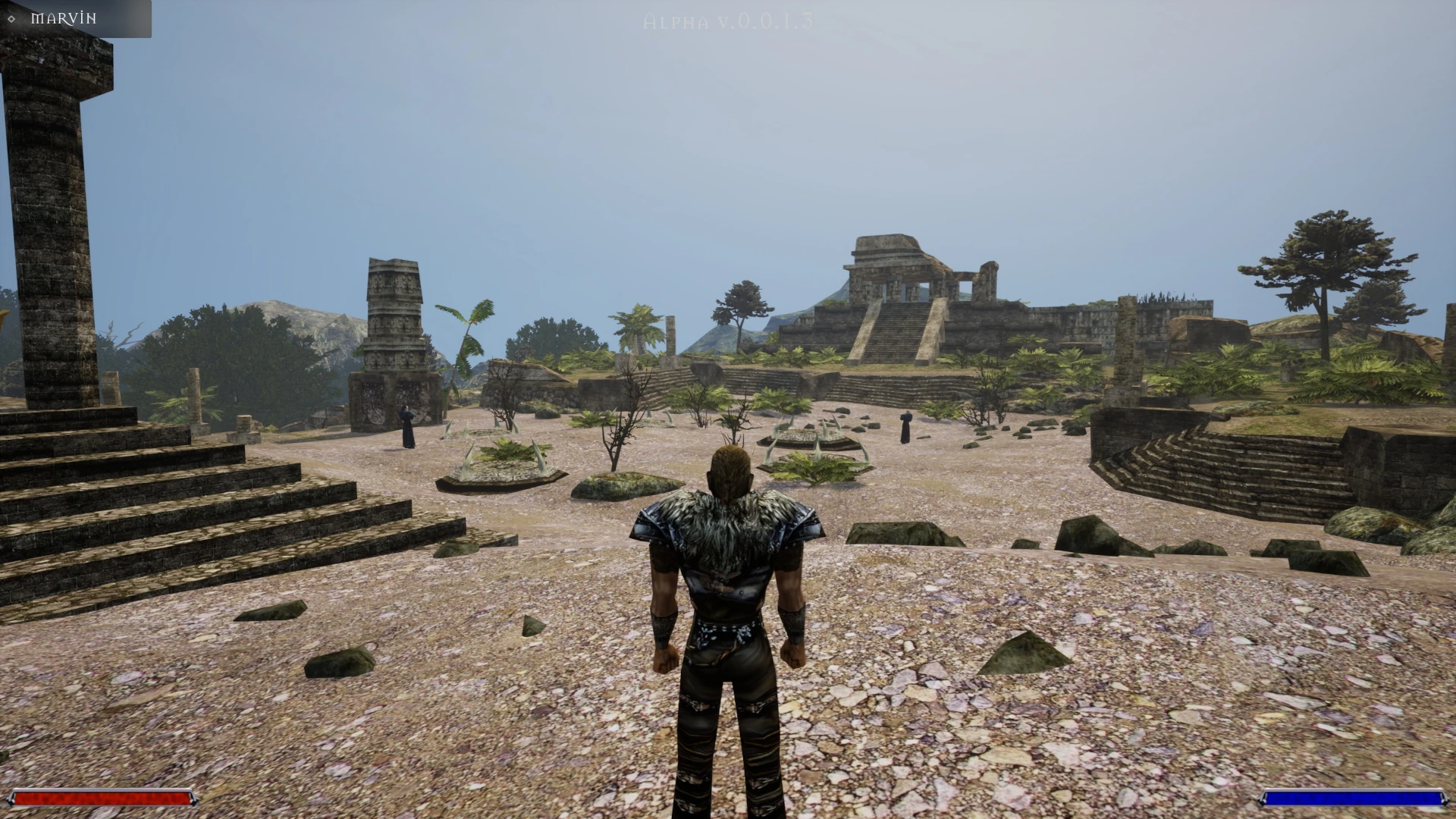
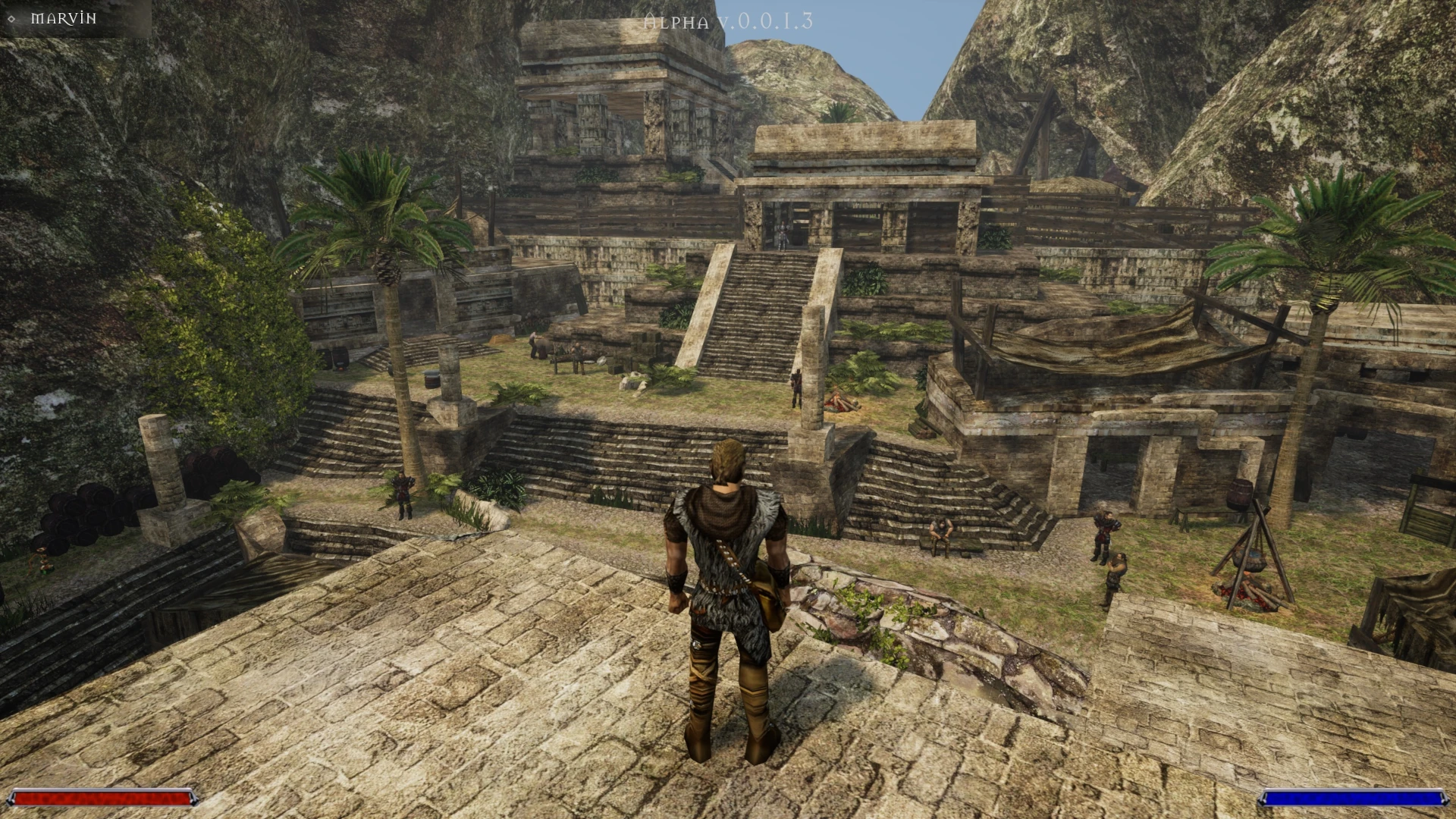
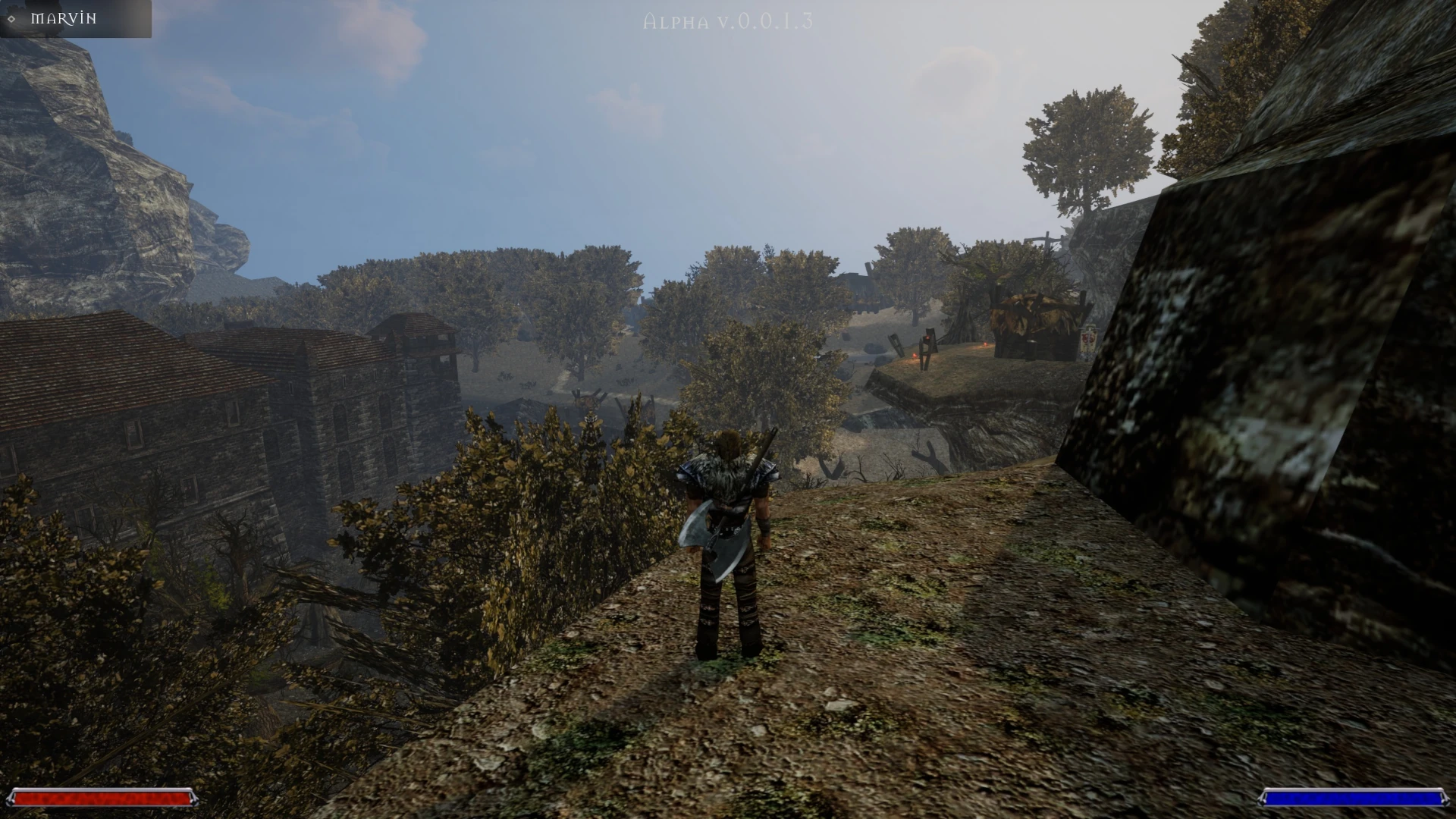
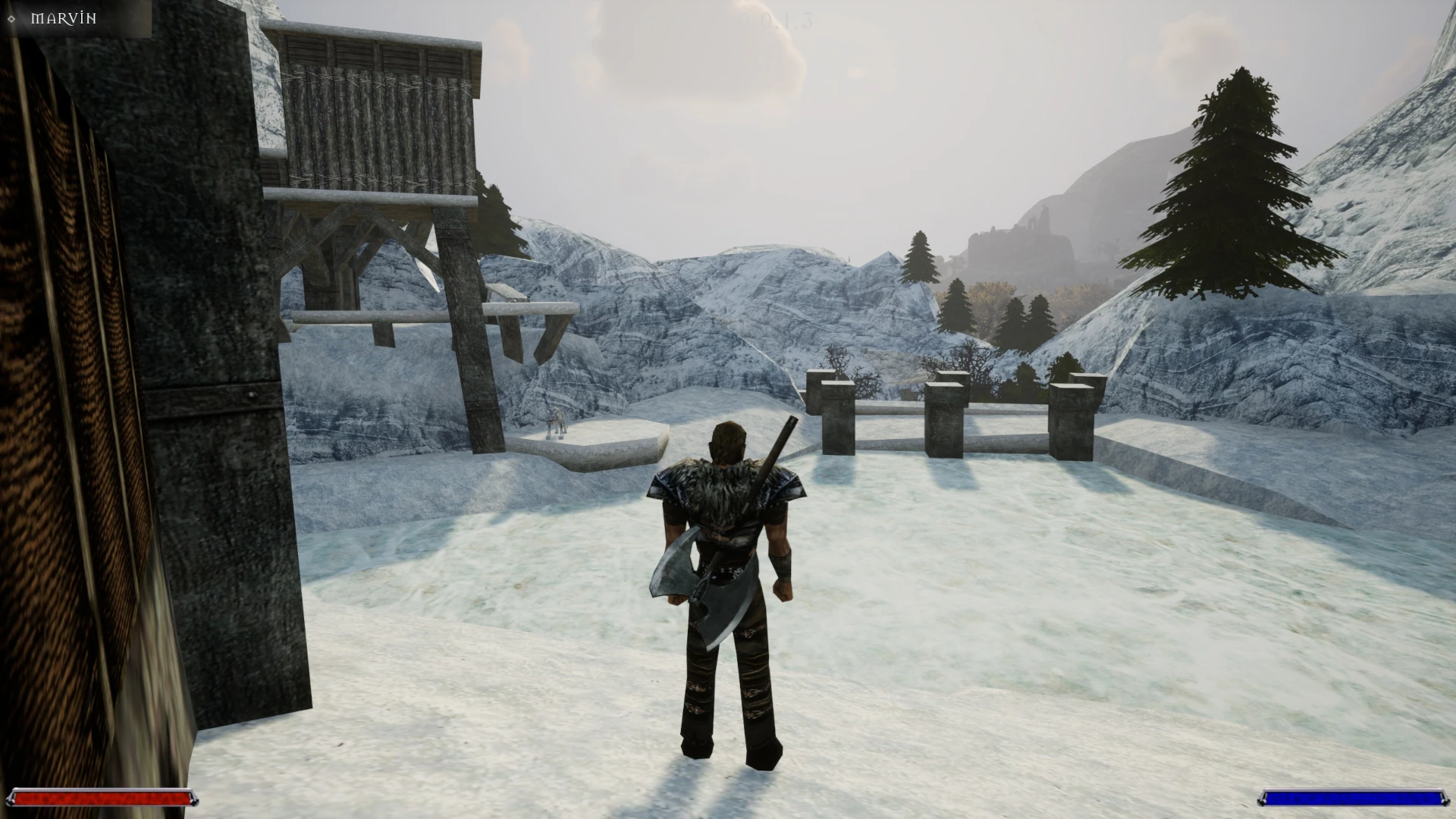
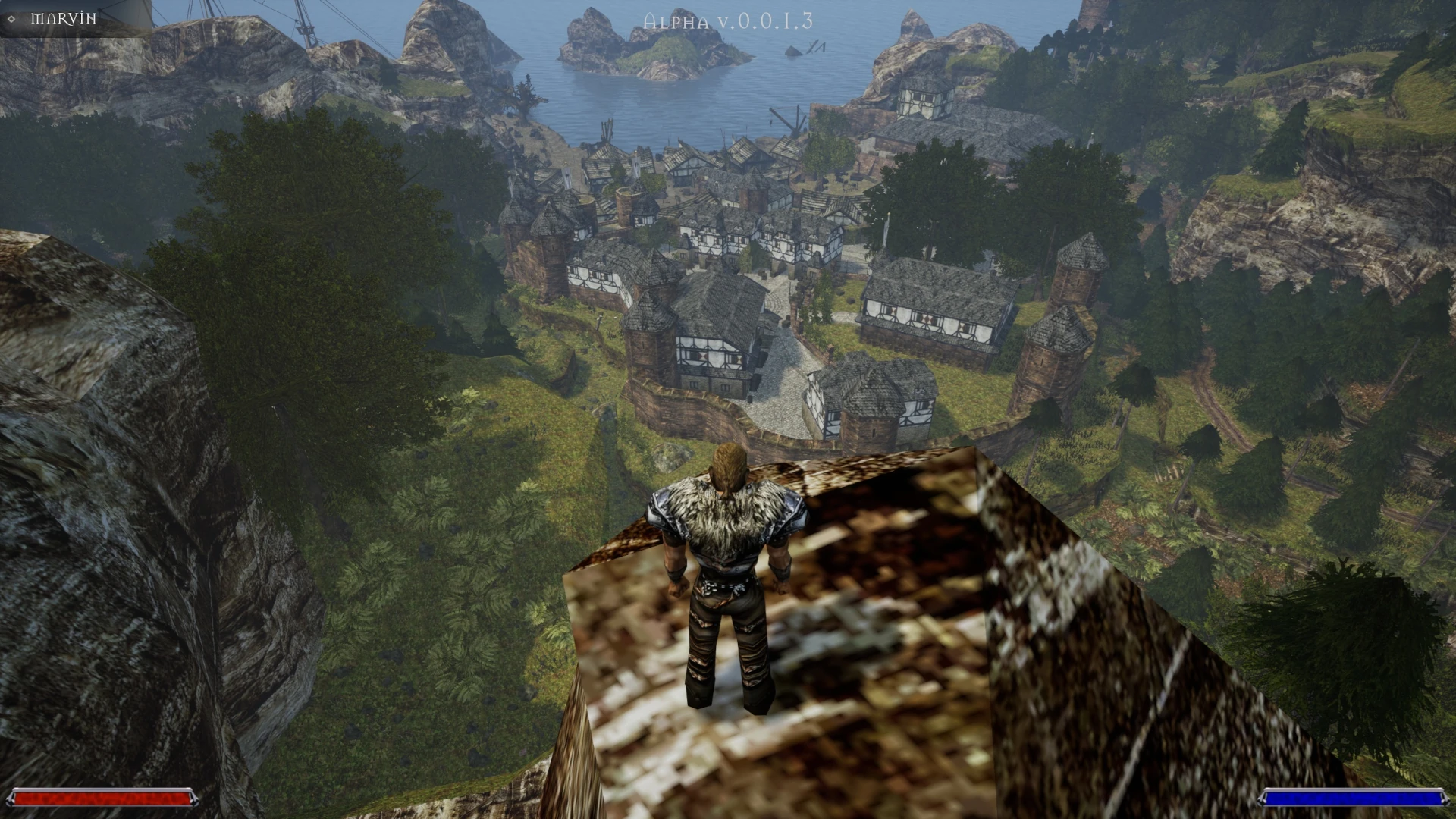
It is not only a graphic remaster – using the newest engine facilitates running Gothic on the newest Windows system, whether playing in VR mode. It contains subtitles in English, German, Russian, Spanish, French, and Italian languages, as well as voice acting in English, German, Polish, and Russian – these were imported from Gothic 2: Night of the Raven. The remaster is fully free, created by the fans and published with the consent of THQ Nordic. Below you will see a part of the gameplay, the views of a few locations and learn how to install the remaster.
In an announcement by the author published at the end of March, we could read that no more bugs were found, and the only drawback is the lack of a diary. But the published version was tagged as Alpha v0.0.1.3, and the author, in an announcement post on the Discord server, wrote that the tests have begun and shared the link to report the errors.
Table of Contents
Gameplay
Gallery
Installation
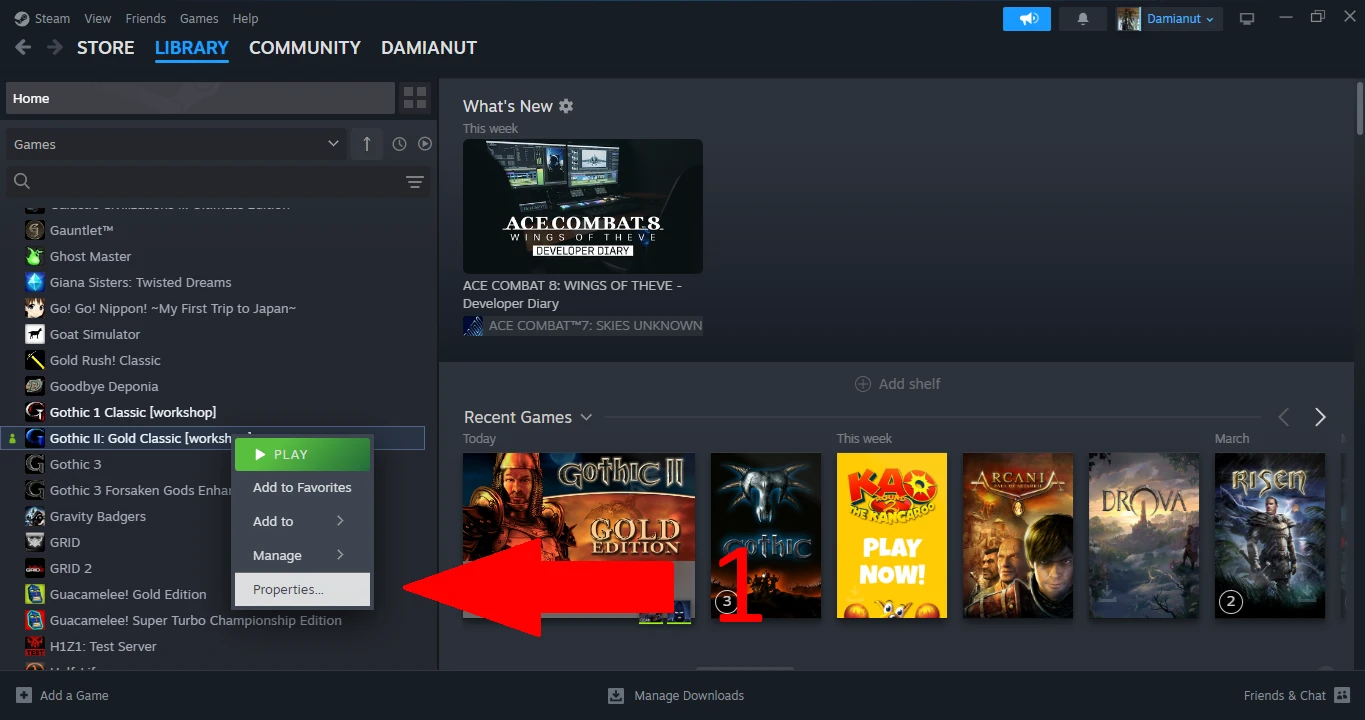
To run Gothic 2 Remaster, having Gothic II: Gold Classic video game in Steam’s library is needed. As we have it, we follow the steps below:
- enter into Properties… [1]
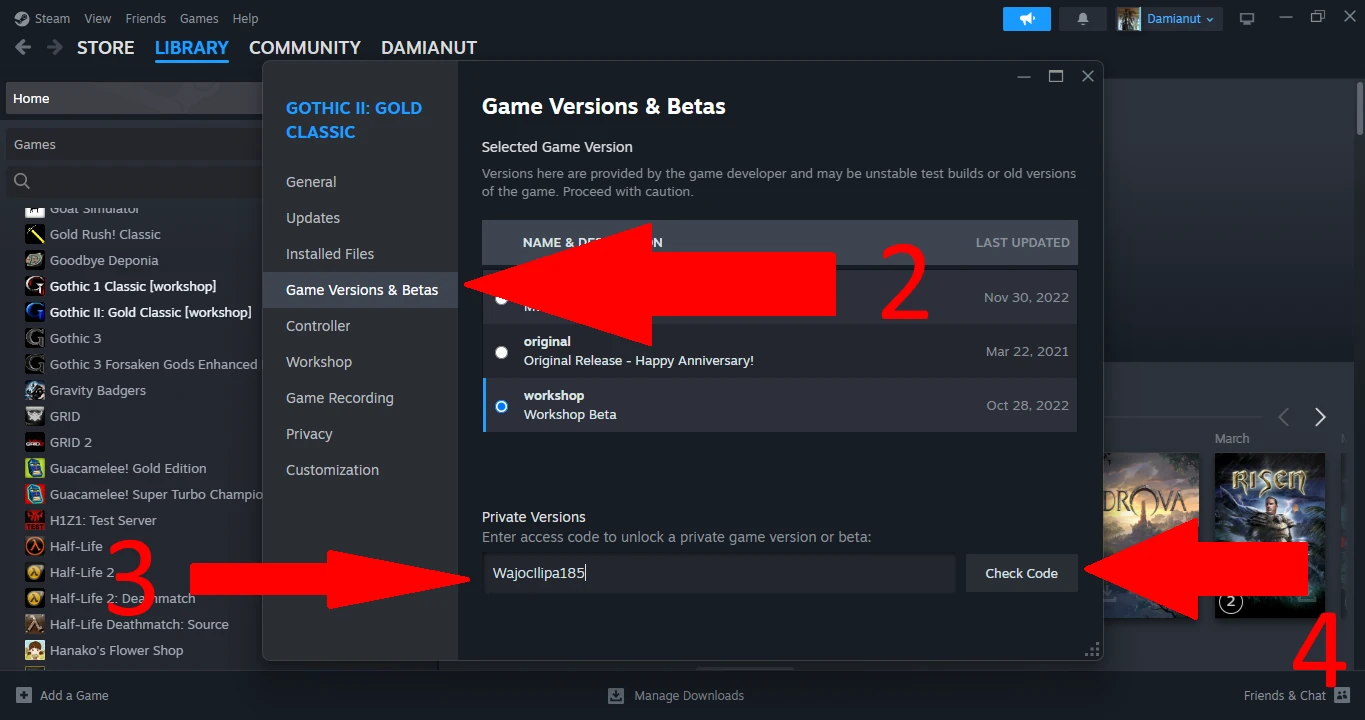
- select Game Versions & Betas card [2], then copy the code: WajocIlipa185
- then paste it at the bottom and click Check Code [3, 4]
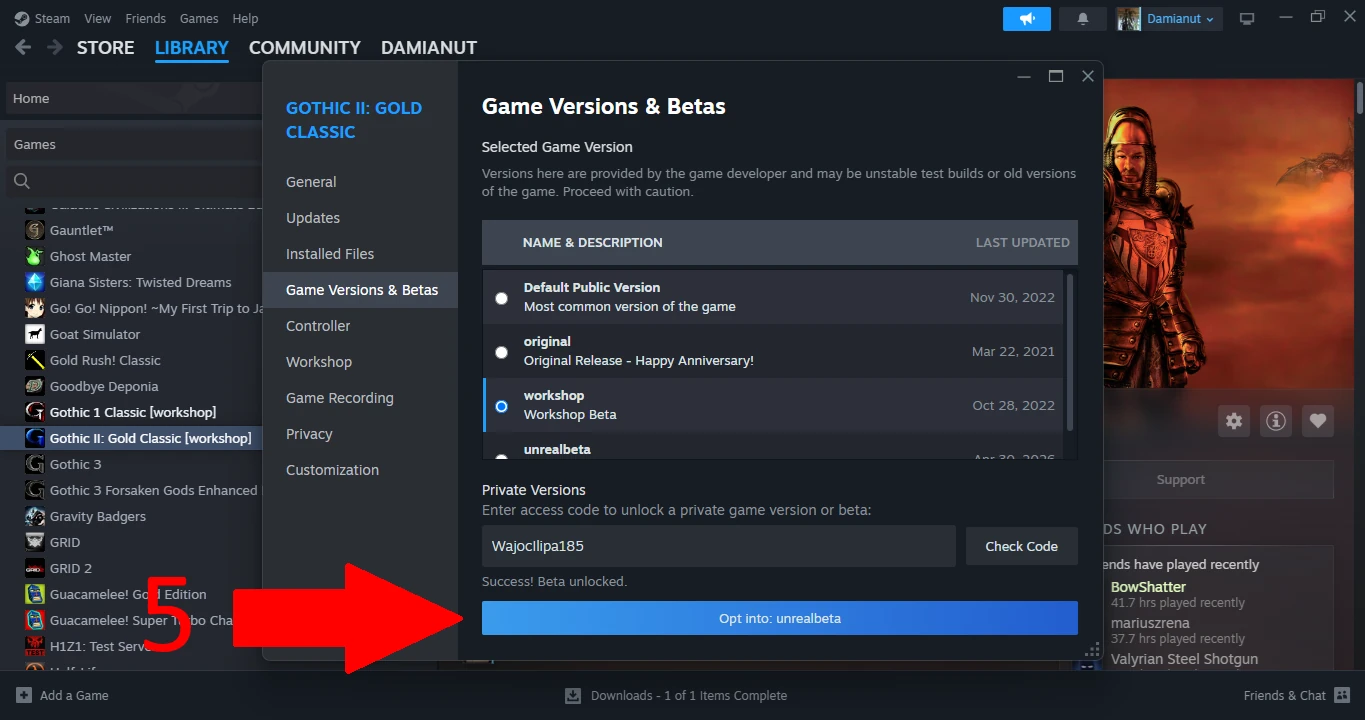
- at the bottom, Opt into: unrealbeta button will appear – we click it [5]
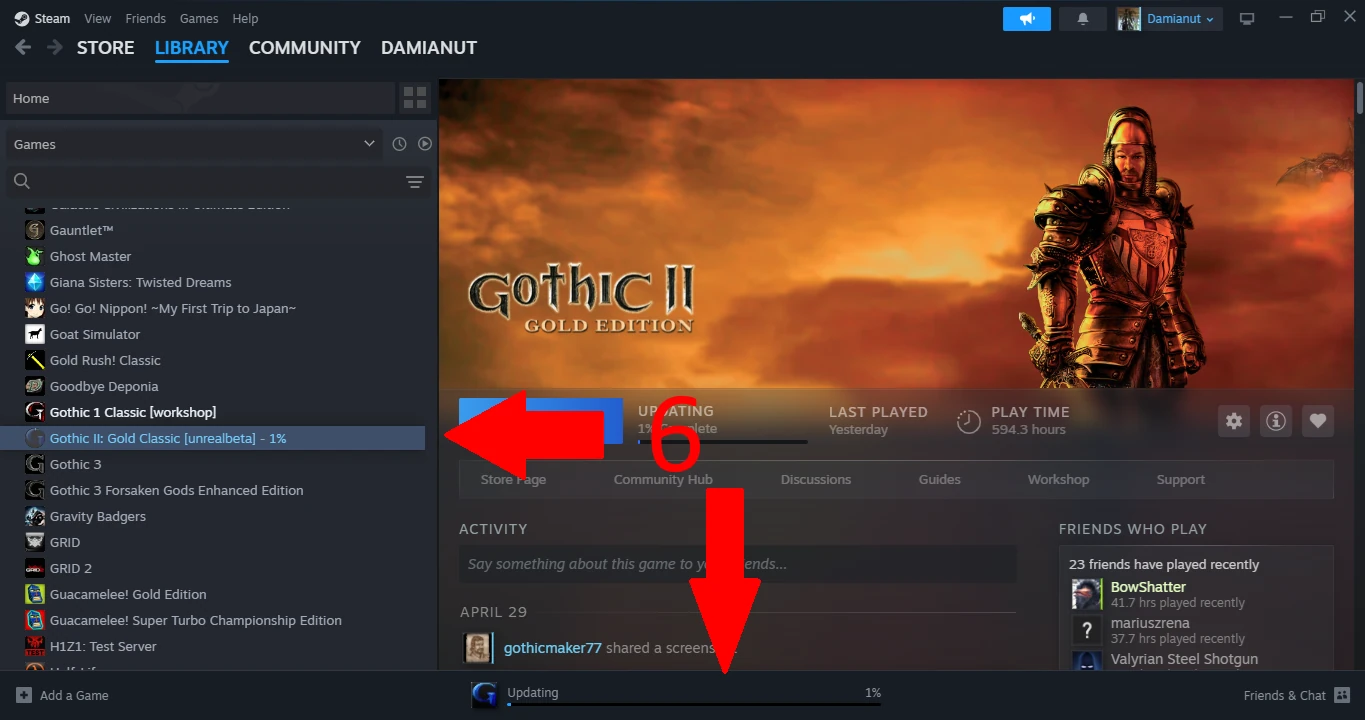
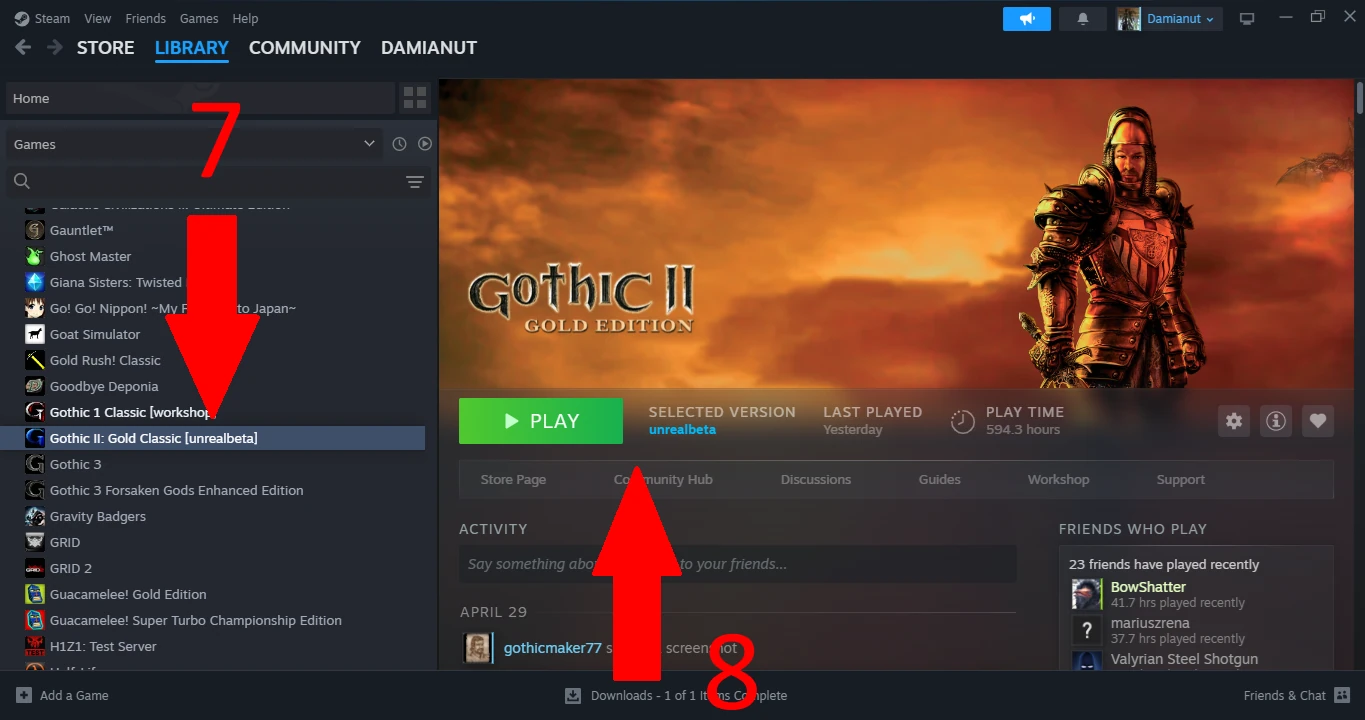
- after downloading [6], we click Gothic II: Gold Classic [unrealbeta] and click PLAY [7, 8]
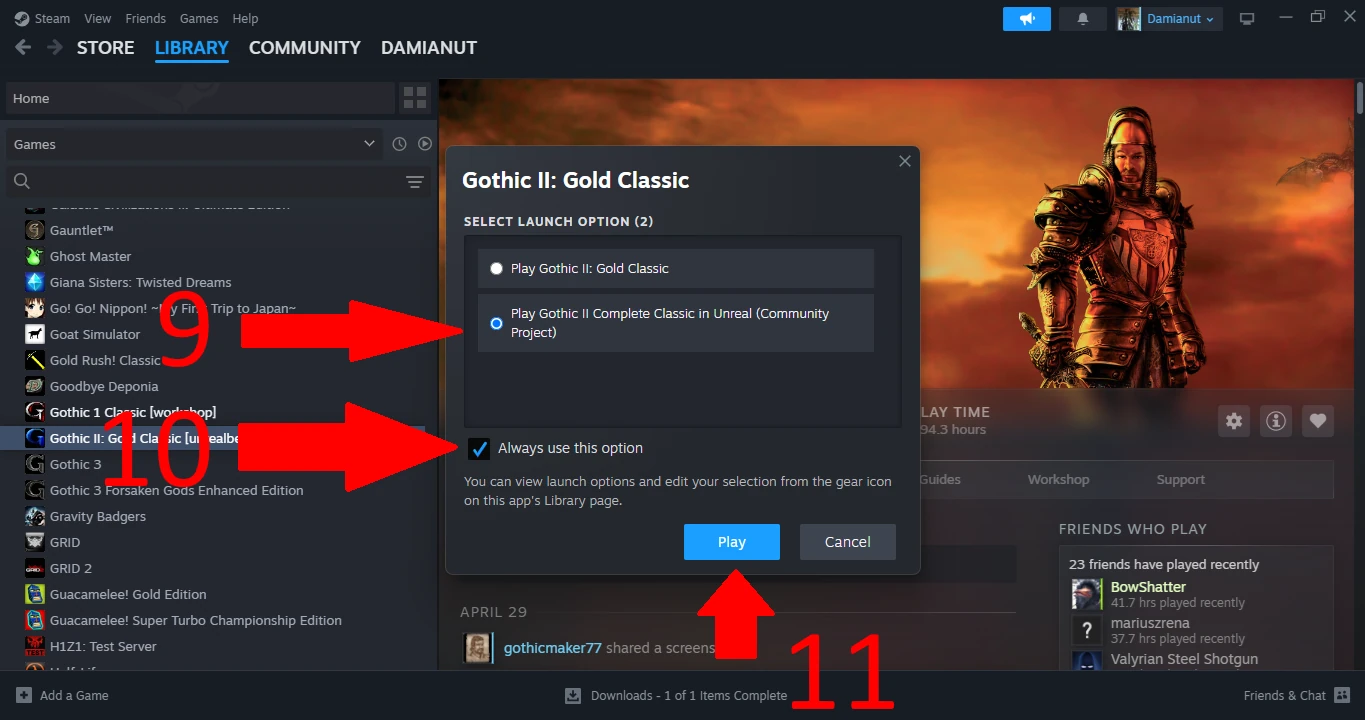
- we select the second running option, for convenience we can check Always use this option as well, then click Play [9, 10, 11]
Improvements
In comparison to the original, Gothic 2 Remaster on Unreal Engine 5 contains improvements and more configuration options. Among the key shortcuts, the more interesting ones are:
- Auto Run [X]
- Quick Loot [V]
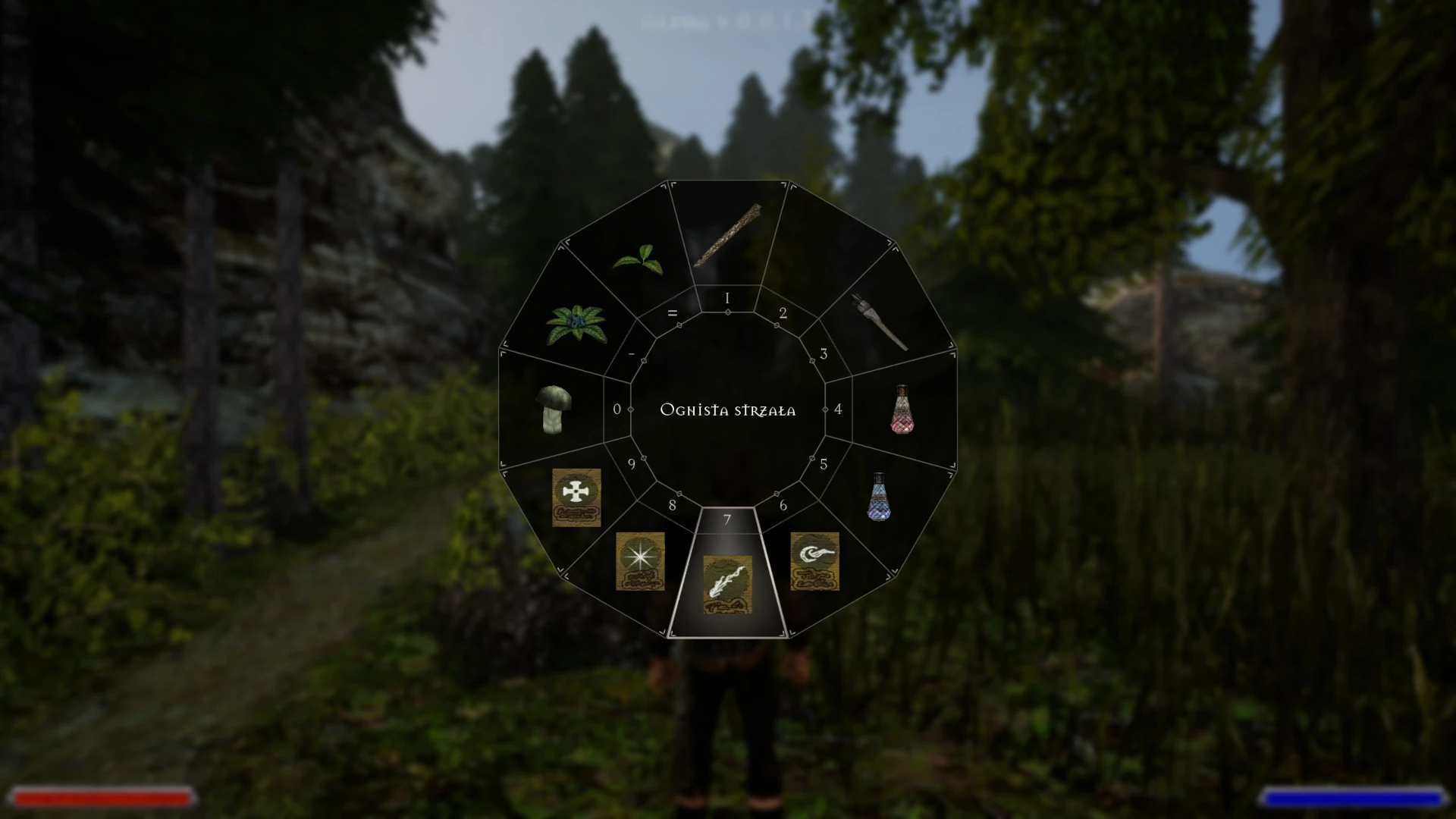
- Quick Wheel [Q]
- Shifting Gaze – control, whether the hero has to follow the camera’s moves [T]
It is also possible to connect the subtitles and voice acting of different language versions. Did you always want to learn a language by playing Gothic? With Gothic 2 Remaster, it is possible: look into display options.
More detailed in relation to the original are the graphics options. There are presented the explanations of each option. Audio options allow you to set the volume of six different audio sources. And thanks to the gameplay settings, you can make playing easier or make it more challenging, thanks to the options:
- Highlighting items
- Interface tips
- Getting an item notification
- Lockpicking
- Battle timing
- Battle control
- Alternative acrobatics
Those and other settings have the descriptions displayed on the right side of a menu after selecting them.
Gothic 1 Remaster
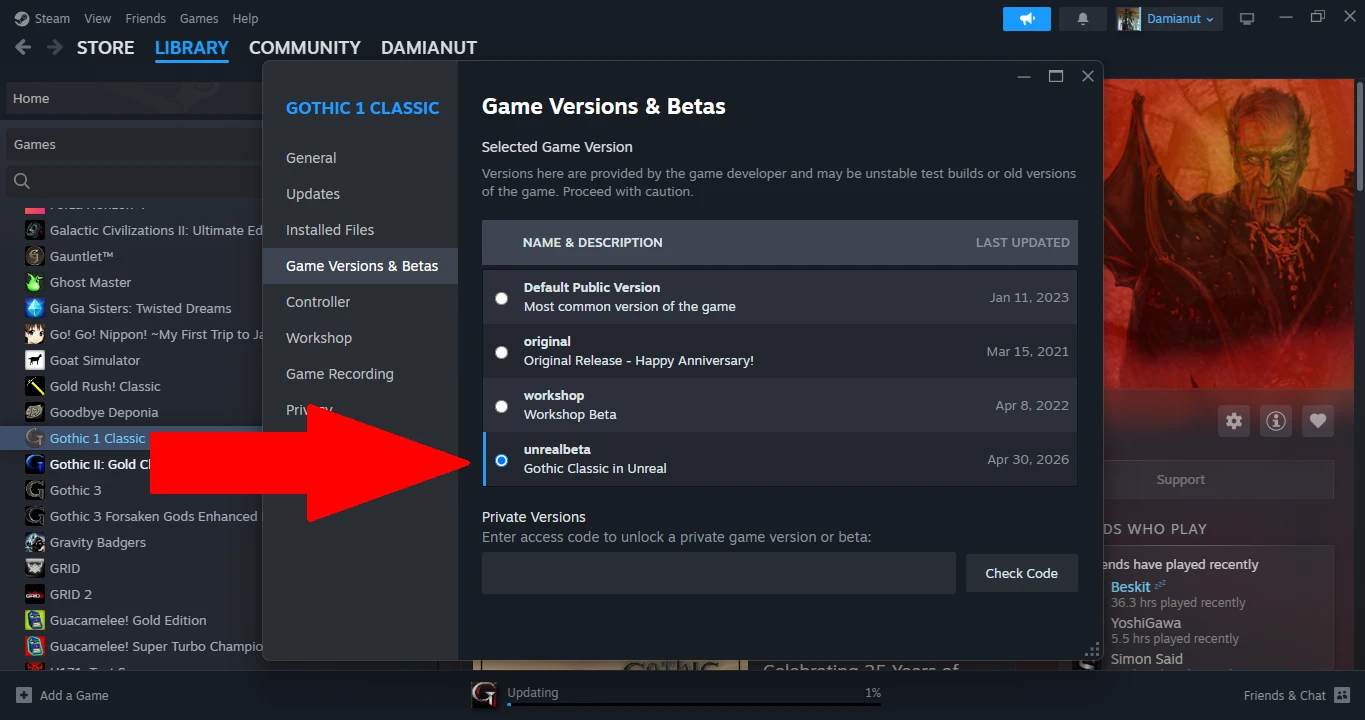
On the occasion of sharing Gothic 2 Remaster, the first part was updated as well. The main change was moving it to Unreal Engine 5.6, which is the same version on which we can play Gothic 2 Remaster. Installation is even simpler in this case, because after doing the second step, we can immediately select the remaster from the list of available betas. It is marked on the screenshot below. Then we continue the steps from 6 to 11.
The full changelog – but in the Russian language – you can find in this spreadsheet.
Discord
Do you have a Discord account and want to be in touch with the releases of fan-made projects? Are you interested in Gothic fans’ initiatives? Join our Discord server, which is becoming more international. We also remind you about Gothic Remastered to Unreal Engine Discord, where you can report bugs from Gothic 2 Remaster and contact the author.